Creating a Drupal 8 theme with Singularity
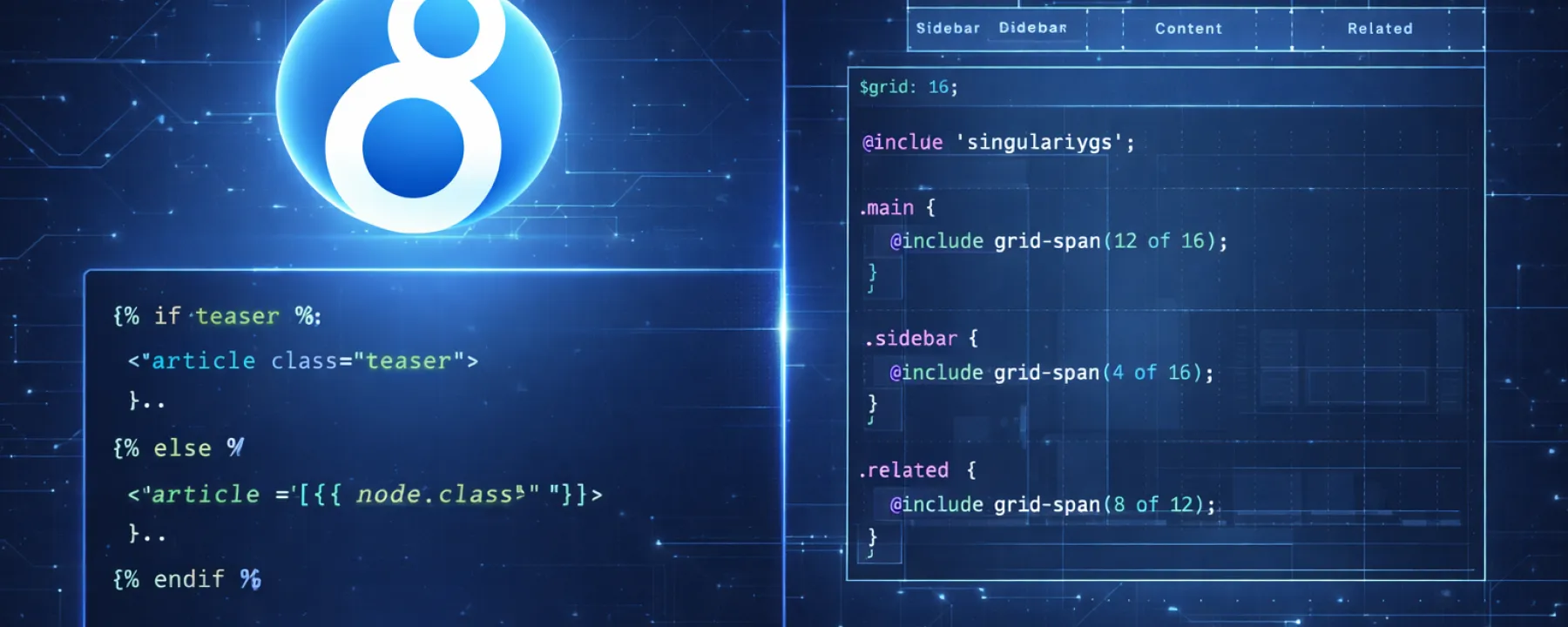
Drupal 8 changed the game by introducing the Twig templating engine, marking a departure from the old PHP-based themes. In this hands-on guide, I document my journey of building a D8 theme from scratch. We explore the new architecture, set up a professional development workflow using Acquia Cloud Dev, and dive into a powerful SASS stack featuring Singularity GS for grids and Compass for authoring—proving that complex layouts can be managed with clean code.
This post is purely my experience and Hands on using Singularity, breakpoints and sass with Newly created Drupal 8 theme from Scratch. I took this Demo project myself so as to get familier with new template system introduced in Drupal 8, TWIG and ofcourse other things as well. So i created and basic theme and blogging the same experiences.
I took the Acquia Cloud Dev instance, installed drupal 8 there and pushed back changes back there. Everyone can try same and i recomend the same as it is Free.
Pre-Requisets
-
Machine (For me its macbook),
-
Acquia Cloud account,
-
php + mysql installed or,
-
MAMP (For Mac users) or,
-
XAMPP or WAMP for Windows users,
-
Git (If using Acquia Cloud or if you want to push to Github),
-
Ruby Installed,
-
SASS,
-
Signularity,
-
Breakpoints,
-
Compass.
- The Drupal 8 Shift: D8 introduces Twig, a flexible and secure templating engine that replaces the old
.tpl.phpsystem. - The Grid Stack: Using Singularity GS allows for asymmetric and semantic grids directly in your SASS, keeping your HTML markup clean (no more
col-md-4clutter in your templates!). - Free Cloud Dev: Leveraging the Acquia Cloud Free Tier is a great way to spin up a D8 instance instantly without messing with local LAMP stack complexities initially.
- The Toolchain: A proper D8 theme setup requires more than just a text editor now. You need Ruby, SASS, Compass, and Git to manage the build process effectively.